
Workflow automation
Your apps connected, so work moves between them without anyone copying and pasting: enquiries, follow-ups, reports, posts and reminders.
Founder, Mess Book · AI Automation
A programmer and software designer by background, with two products of my own in daily use. I now automate work for businesses with n8n, AI models and code. If a task repeats every day, it can usually run by itself.

What I do
I start with AI and no-code tools, and add custom code when a job needs more. Real programming experience sits behind both, so what I build keeps working after the demo.
Your apps connected, so work moves between them without anyone copying and pasting: enquiries, follow-ups, reports, posts and reminders.
Assistants that know your business. They answer questions, sort enquiries and draft replies, and hand over to a person when they should.
When an idea needs to be live this week, I build it with AI and no-code tools, then tidy it up so it can grow.
When a job needs more than a no-code tool, I build it as proper software, with AI speeding up every step: mobile apps in Flutter, and backends and APIs in Laravel or Node.js, kept clean so they stay easy to change.
Automation
Four common examples. Each starts with a trigger, passes through a few steps and ends with the work done. I adapt the same pattern to the tools your team already uses.
You send an idea. AI drafts the caption and the visual, you approve it from your phone, and it goes out on every channel.
Result An idea becomes a published post with one approval tap, instead of writing, designing and posting by hand.
Every enquiry gets a fast, personal reply and lands in one list, whether it came from the website, WhatsApp or Instagram.
Result No enquiry is missed, including the ones that arrive at midnight.
The numbers are collected from wherever they live, summarised in plain language and sent to the people who need them.
Result The owner reads one short message instead of opening five screens.
An AI agent answers common questions from your own documents, and brings in a person when it isn't sure.
Result Common questions are answered at once, and your team only sees the ones that need them.
Have a task you repeat every day? Tell me what it is and which apps you use. I'll tell you honestly whether it's worth automating, and how I'd do it.
Talk about automationSelected work
Two products I founded and continue to lead. Both started as my own ideas, and both grew through constant feedback from the people using them.
 Product 01
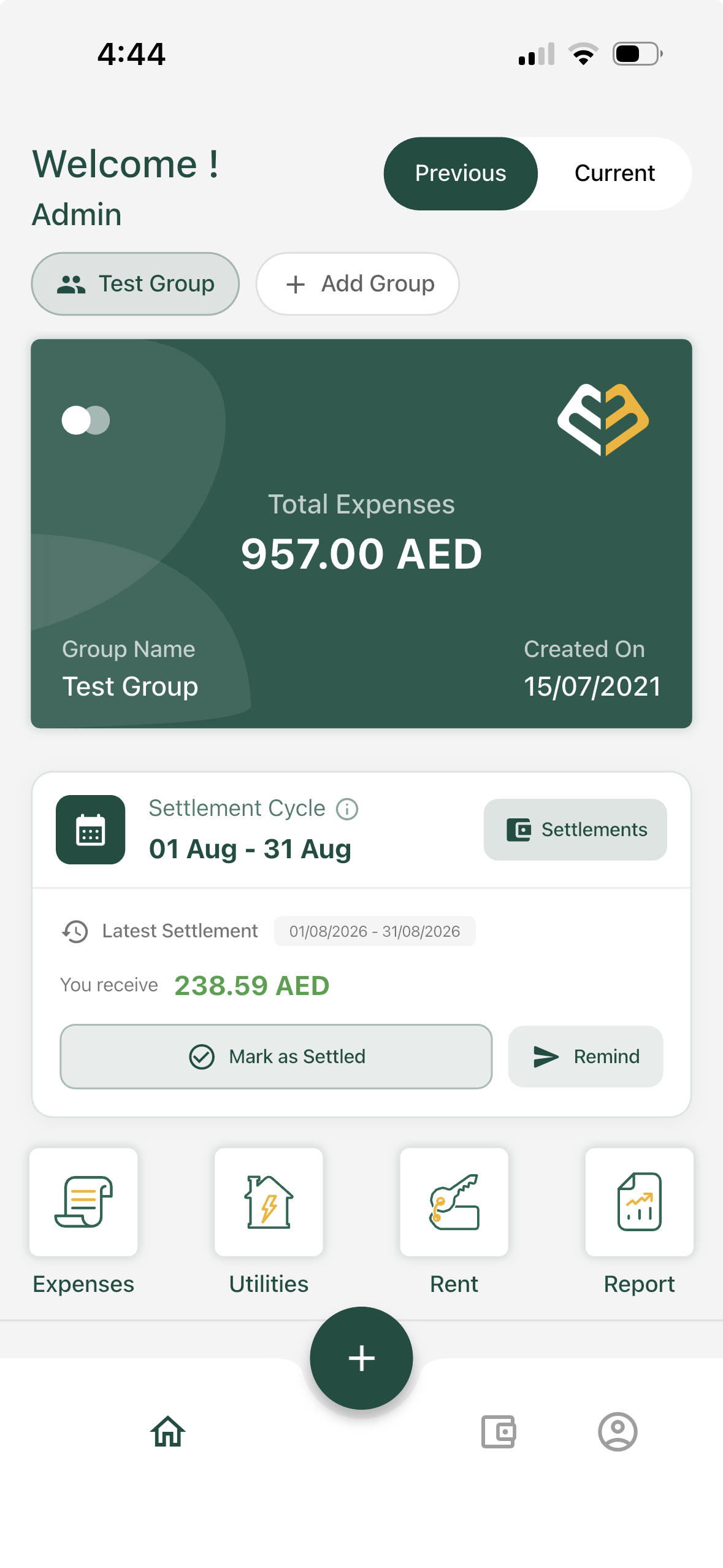
Keep track of personal, shared, lending and borrowing expenses.
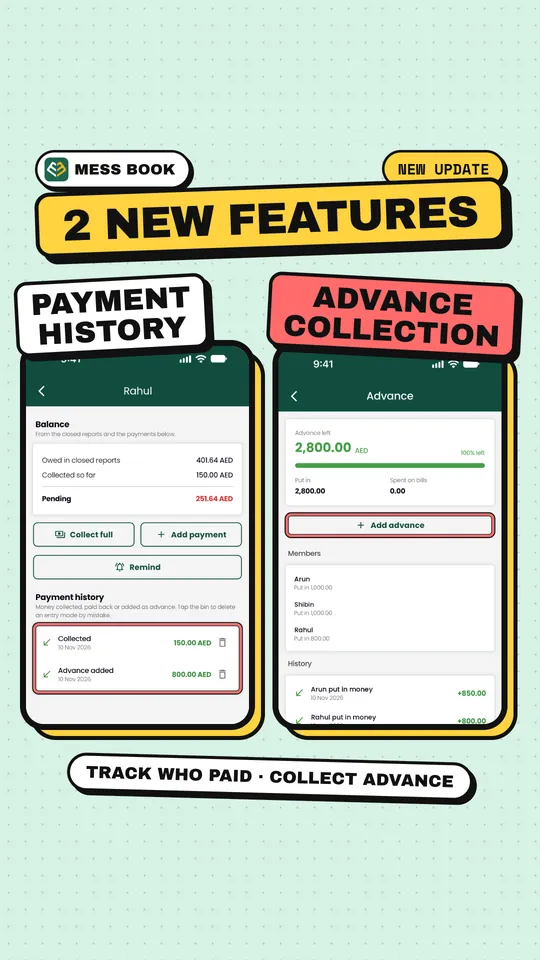
A practical expense management app. It began as my own idea for a fair way for expats and bachelors sharing a living space to split their costs, and grew, one release at a time and driven by user feedback, into a product used across the GCC.
A different problem, the same approach: listen first, then build.
Product 02
Useful information, made local.
A community app platform that brings useful local information, contacts and services together in one place. It's delivered as a separate, branded app for each community, and each community's own administrators keep it up to date.
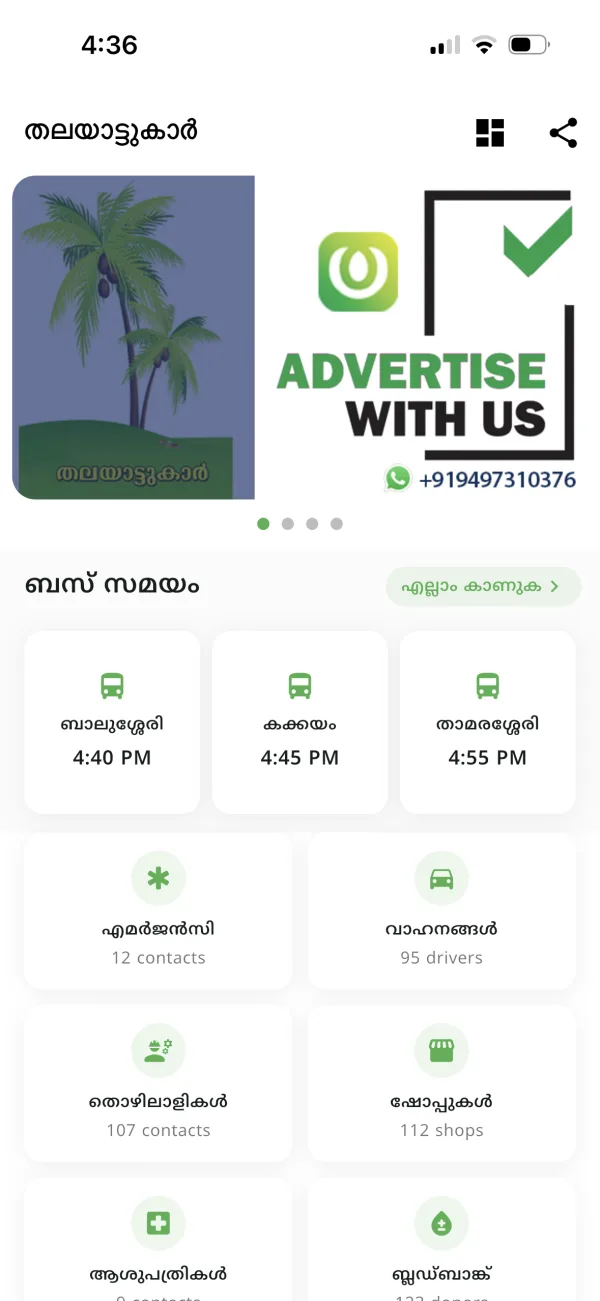
A few of the communities using it
 ThalayadKozhikode
 ErattupettaKottayam
 BharananganamKottayam
 NadapuramKozhikode
Communities across Kerala have their own Village Info app, and these are just a few of them. Everything runs on one managed platform, so a community never has to worry about servers, hosting renewals or upgrades.
How I work
Before anything is built, I sit with the people it's for and listen. Then I recommend what they actually need. Sometimes that's an app, sometimes an automation, and sometimes a simple form does the job better. I never jump straight to building.
Also from me
Alongside building products, I create AI-generated videos: short, story-driven films with real emotion that make people stop and understand what a product or business does.
See more of my videos on Instagram, and imagine the same for your business or product.
About
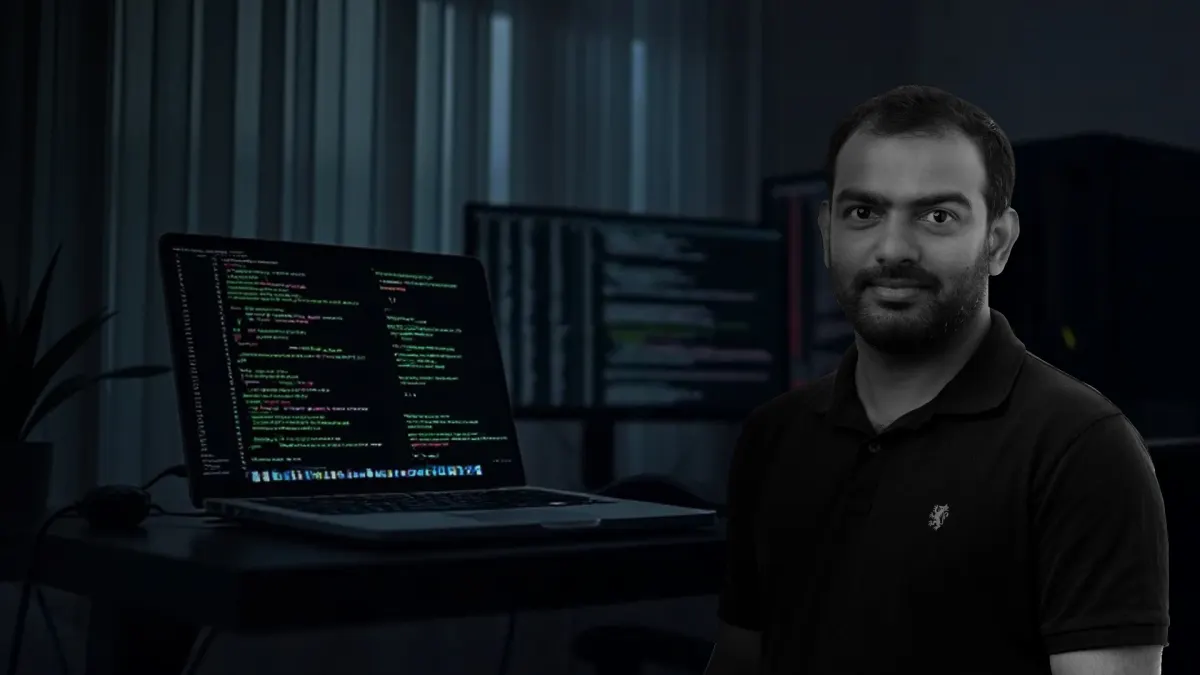
I'm Muhammed Iqbal (Iqbal Thalayad). I started as a programmer, grew into designing whole systems, and founded Mess Book and Village Info, two products people use every day.
Today much of my work is automation, and I work AI-first, with real programming behind it. Bring me a problem and I'll listen first, tell you honestly what you need, and build what fits. You work with me directly, from the first call to long after launch.
Iqbal
Let's talk
Tell me what you're trying to do. Whether it's a task to automate, software to build, a product idea or a video to tell your product's story, it starts with a conversation.
Elsewhere
Find my work on Instagram
Product updates, launches and experiments.